Run your WooCommerce store by chatting: no more wp-admin clicking
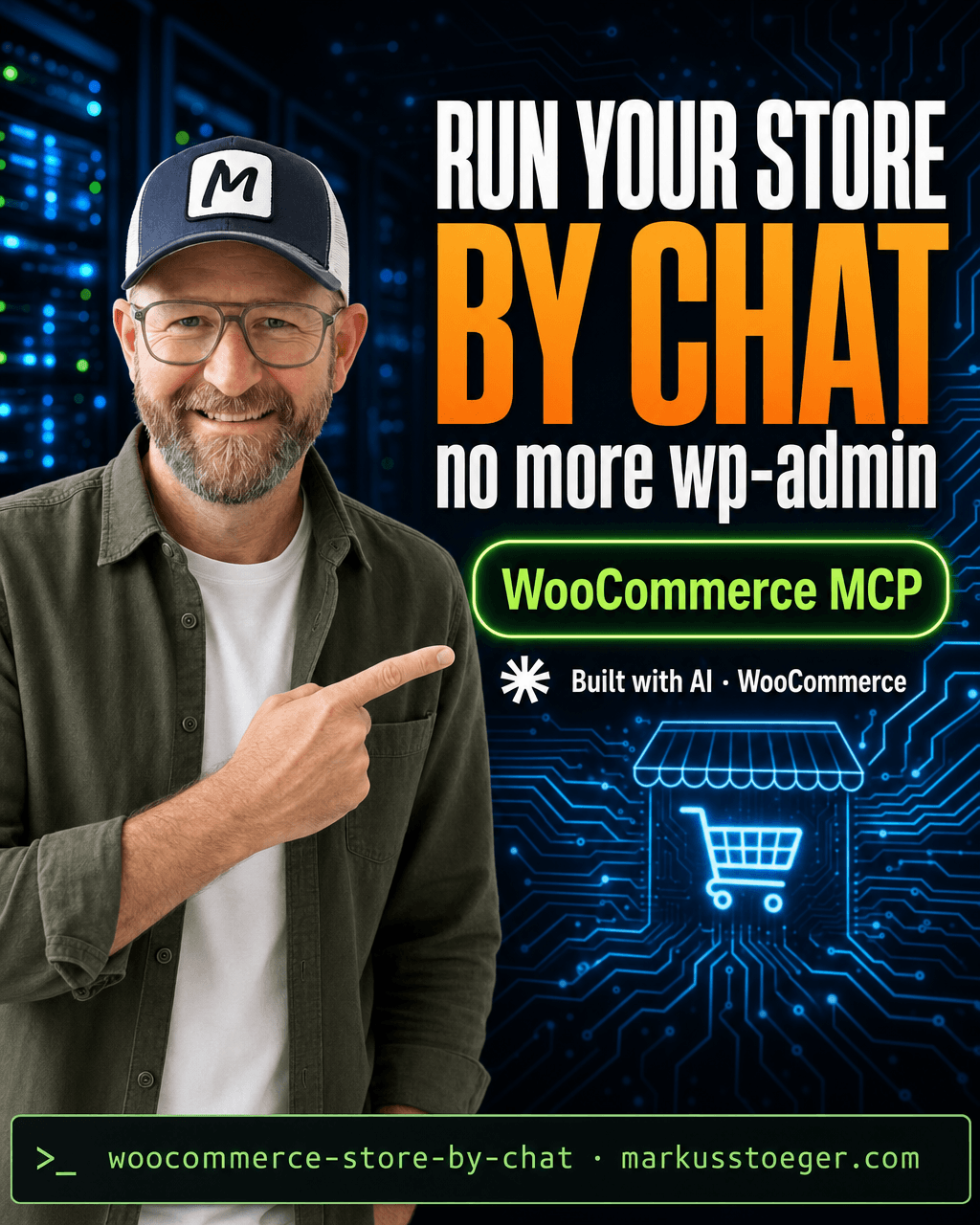
The WooCommerce admin panel was built for clicking. Find the order, open it, change the status, save. Find the product, scroll, edit stock, update. For the hundred small operations that make up a store day, that's a lot of clicks, and you have to be at a desk to do them.
In 2026 you don't have to anymore. WooCommerce shipped native MCP support, which means an AI assistant like Claude can connect to your store and actually do things by chat: read orders, update stock, create coupons, answer "what sold this week". This article covers the setup with proper guardrails.
What "operable by AI" actually means
Once connected, Claude can run the real operations, not just talk about them:
- Orders: "mark 1042 shipped," "refund the duplicate charge on 1051," "list everything unfulfilled over €100."
- Inventory: "which products are under 5 in stock," "set the summer hoodie to 40 units."
- Catalog: "create this product," "bump every t-shirt price 8%."
- Coupons & customers: "make a 15% code for the newsletter," "who are my top 10 repeat buyers."
The clicks become sentences. And because it's text, you can do it from your phone, on the train, by voice.
How to set it up
Two clean paths, depending on how much you want to wire yourself.
The official, one-click way. Anthropic and WooCommerce ship WooCommerce for Claude: download the .mcpb file and double-click it. Claude Desktop registers your store automatically. No JSON, no key wrangling. It layers structured store knowledge and a Skills library on top of the native MCP so Claude actually understands your shop, not just its API.
The control-freak way (a typed MCP server). Point an MCP server at your store with REST API keys and add it to your Claude config:
// ~/.claude/mcp.json
{
  "mcpServers": {
    "woocommerce": {
      "command": "npx",
      "args": ["-y", "@mcp/woocommerce"],
      "env": {
        "WOO_URL": "https://yourstore.com",
        "WOO_KEY": "ck_…",        // WooCommerce → Settings → Advanced → REST API
        "WOO_SECRET": "cs_…"
      }
    }
  }
}
Then the guardrails that matter:
- Scope the API key. Start with read-only and live in it for a day before granting write. WooCommerce → Advanced → REST API lets you pick the permission level.
- Confirm writes. Keep Claude in a mode where it shows you the change before it commits: "I'll mark these 3 orders shipped, ok?"
- A staging store first if you can. Let it loose on a copy before the live shop.
Connecting the store is its own foundational step; I walk through the key setup in the WooCommerce MCP connector tutorial.
Why it matters
The admin panel isn't going away, but it stops being where you spend your day. The repetitive 80% (status changes, stock checks, coupon spins, "what happened this week") moves to a sentence you can type from anywhere. Your store stops being a website you log into and becomes a thing you can just ask. That's a different relationship with your own business, and it's a setting away.
From the author
These tutorials come out of the work itself, not out of research: I put AI to work in real companies and write down what holds up. If you want to know which of your processes are worth it, I offer AI consulting for small and mid-sized companies. If you already know what to build, I handle the AI integration into your systems.
Built with AI – the newsletter
Hands-on AI tutorials and the tools I actually use, straight to your inbox. Free, no hype.
Powered by Substack. Unsubscribe anytime.