A WooCommerce MCP connector: run your shop from Claude or ChatGPT
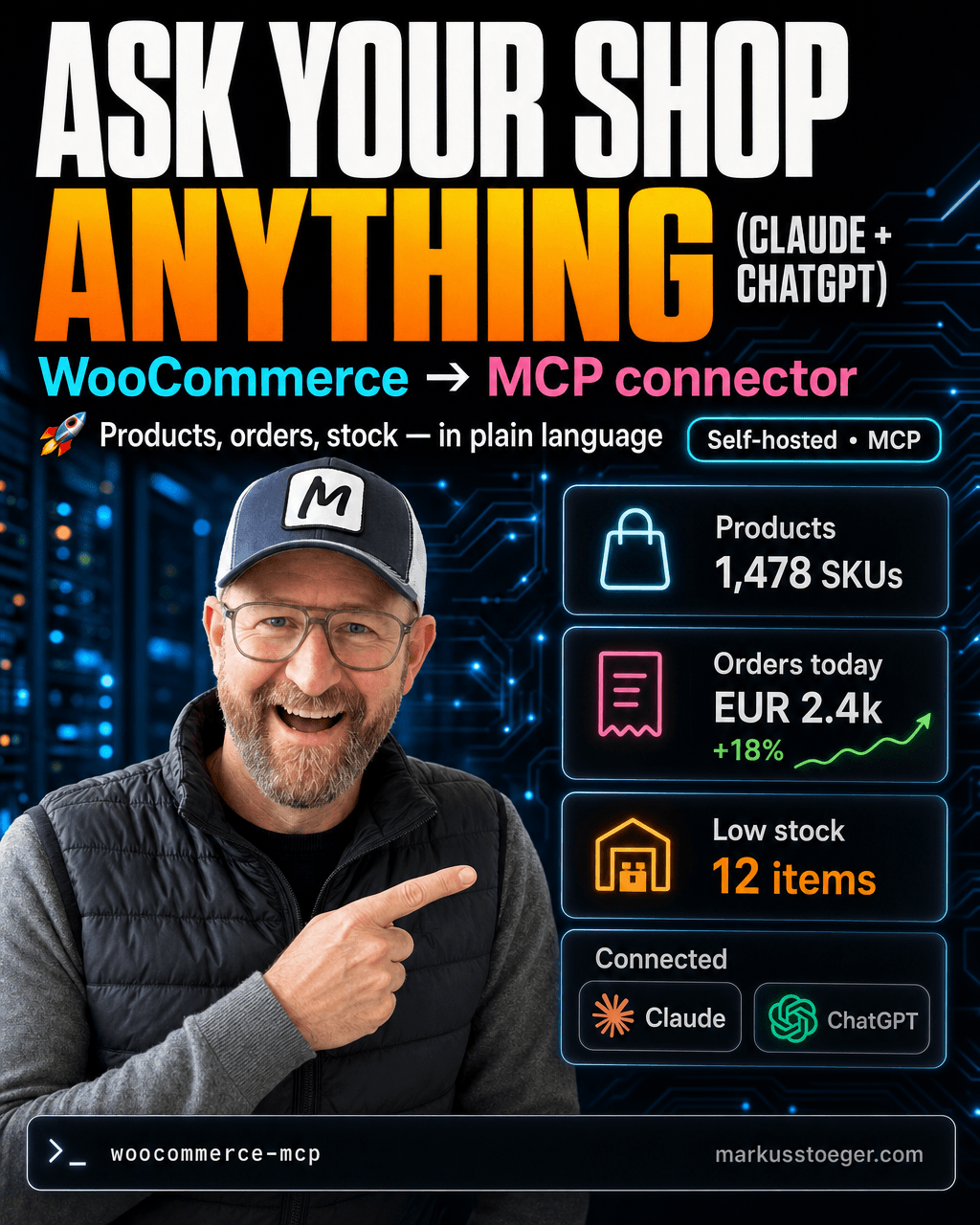
A WooCommerce shop holds everything that matters (products, stock, orders, customers) but to actually ask it something you open the WP admin, click through filters and export a CSV. I wanted to ask in plain language instead: "which products are low on stock?", "how did last week's orders look?", "rewrite this product's description".
So I built a WooCommerce MCP connector for a production shop, a self-hosted server that plugs the shop straight into Claude.ai and ChatGPT. You ask, the AI queries the real shop over WooCommerce's own API, and answers. No CSV detour, no third-party SaaS sitting on your order data.
What it is
It's a custom MCP server, shipped as its own WordPress plugin. It exposes the shop's data as a set of typed tools the AI can call, backed by the official WooCommerce REST API, running inside the shop itself. Nothing leaves your server except the answer to the question you asked.
I deliberately built it as my own plugin rather than using an off-the-shelf one (e.g. Royal MCP): the off-the-shelf route meant vendor lock-in and no clean hook to add my own custom tools. A ~200-line plugin I own beats a black box I can't extend.
What it can do
10 tools: 8 read, 2 write.
- Read (8): list and search products, pull a single product, list and search orders, open a single order, look up customers, read stock levels and sales figures. All real server-side queries, not "load everything and filter in memory".
- Write (2): edit product data (e.g. rewrite a product description), each gated behind an explicit confirm step before anything changes.
So in practice: "Show me orders from yesterday over €200." "Which products in the spices category are out of stock?" "Tighten up this product description and, once I confirm, save it."
Connect it in Claude.ai AND ChatGPT
This is the part most WooCommerce-AI integrations get wrong. The connector speaks plain MCP, so it isn't tied to one assistant. It adds cleanly to both Claude.ai and ChatGPT as a custom connector.
The trick that makes ChatGPT work is the auth layer: OAuth 2.0 with PKCE and Dynamic Client Registration (DCR). DCR lets ChatGPT register itself as a client on the fly, so you don't hand-configure credentials. You paste the connector URL, log in once, and it's connected. The same endpoint serves Claude.ai through the normal "add custom connector" flow.
Safe by default
A tool that can change live shop data needs guard rails:
- Read tools are marked read-only (
readOnlyHint), so the assistant can run them without a prompt every time. Fast, low-friction querying. - Write tools require an explicit confirm: a single confirm flag the model has to set, so nothing is edited by accident.
- Every call is written to an audit log, and a rate limit sits in front of the endpoint. You can always see what the AI did, and it can't hammer the shop.
What you need
- A WooCommerce / WordPress shop you can install a plugin on
- The plugin itself (the MCP server + OAuth endpoints live inside it)
- An HTTPS endpoint (nginx in front, TLS cert); MCP connectors require it
- That's it: no separate service, no database of its own, no order data copied anywhere
Why it matters
The shop's data is already yours. This just removes the friction between you and it: instead of clicking through WP admin, you ask in Claude or ChatGPT and act on the answer. Because it's a small plugin you own, you can add a tool the day you need one (a sales report, a coupon creator, an inventory nudge) instead of waiting for a vendor's roadmap.
Off-the-shelf shop AI is a black box. Your own connector is a few hundred lines you understand, and it works with whichever assistant you already use.
From the author
These tutorials come out of the work itself, not out of research: I put AI to work in real companies and write down what holds up. If you want to know which of your processes are worth it, I offer AI consulting for small and mid-sized companies. If you already know what to build, I handle the AI integration into your systems.
Built with AI – the newsletter
Hands-on AI tutorials and the tools I actually use, straight to your inbox. Free, no hype.
Powered by Substack. Unsubscribe anytime.