Give Claude the best image generator: gpt-image-2, via MCP
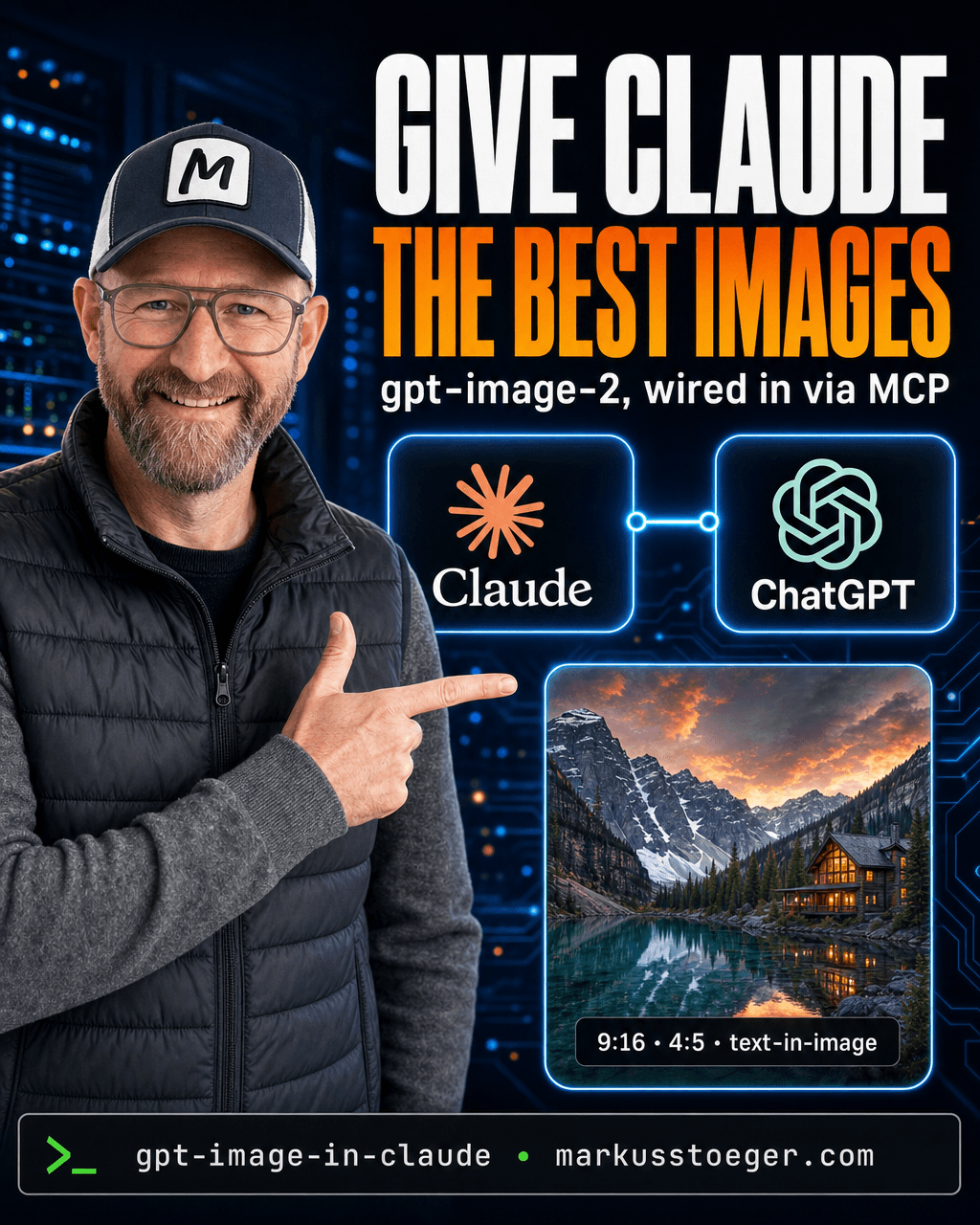
Claude is the best reasoning model I use, but it can't make a single image. Meanwhile the best image model right now is the one behind ChatGPT: gpt-image-2. So I keep two tabs open: think in Claude, copy the idea into ChatGPT for the picture, copy it back. Every switch breaks the flow and loses the context Claude just built up.
So I closed the second tab. I gave Claude direct access to gpt-image-2 through a small MCP server. Now Claude does the thinking and the drawing, in one conversation.
What it is
It's a tiny MCP server that wraps the gpt-image-2 API (the same engine that powers ChatGPT's images) and exposes it to Claude as a typed tool. Claude can't generate pixels itself, but it can call a tool, so the tool becomes its hands.
You bring an OpenAI API key with gpt-image-2 access; the server forwards Claude's request to the image API and hands the finished PNG back into the chat. Nothing magic, ~150 lines, but it changes how you work.
What it can do
The tool exposes exactly what gpt-image-2 is great at:
- Generate from a text prompt, in any size, including native 9:16 and 4:5 for social.
- Edit with references: pass one or more reference images (a product shot, your own face) and gpt-image-2 keeps the identity while restyling the scene.
- Embed real text: gpt-image-2 is the strongest current model at rendering headlines and UI labels inside the image, so it nails covers and mockups.
Because Claude writes the call, you never hand-craft a prompt again. You describe the outcome; Claude turns it into a precise gpt-image-2 prompt, picks the size, and fires it.
The workflow that changes everything
This is the part the two-tab setup can never do. In a single Claude chat:
- "Research the 3 strongest hooks for a post about self-hosting your own scheduler."
- "Take hook #2, design a 9:16 cover for it: dark tech style, my face pointing at the headline." → Claude calls gpt-image-2, the image appears.
- "Now write the caption and 5 hashtags to match."
Research → prompt → image → caption, with Claude holding the full context the whole time. The image knows what the post is about, because the same model that planned it also briefed the picture.
What you need
- An OpenAI API key with gpt-image-2 access (Organization Verification may be required).
- A small MCP server that forwards a
generate_image/edit_imagetool call to the image API and returns the file (Node or Python, your choice). - An HTTPS endpoint (nginx + TLS) so Claude.ai can add it as a custom connector.
- That's it: no separate UI, no third-party image SaaS sitting between you and your pictures.
How to set it up
You don't need a framework; one small server does it. The core is a single MCP tool that forwards to the image API:
@mcp.tool()
def generate_image(prompt: str, size: str = "1024x1024") -> str:
    """Generate an image with gpt-image-2 and return the saved file path."""
    res = openai.images.generate(model="gpt-image-2", prompt=prompt, size=size)
    return save_png(res.data[0].b64_json)   # write PNG to disk, hand the path back
Then four steps:
- Add your OpenAI key to the server's environment (
OPENAI_API_KEY); the key needs gpt-image-2 access. - Expose it over HTTPS: run the server behind nginx with a TLS cert; Claude.ai only accepts HTTPS connectors.
- Add the connector in Claude.ai → Settings → Connectors → Add custom connector → paste your server URL.
- Ask Claude for an image. It calls
generate_image, the PNG drops straight back into the chat.
For editing with a reference (your face, a product shot), add a second edit_image tool that posts the reference file to the image edit endpoint; same pattern. That's the whole build: one tool, one HTTPS endpoint, one connector entry.
Why it matters
"Use the best tool for each job" usually means juggling tabs and losing context. MCP lets you do the opposite: keep the best brain (Claude) in charge, and let it reach for the best image model (gpt-image-2) exactly when it needs one. You stop being the copy-paste middleman between two AIs.
And because it's your own connector, you decide the defaults (house style, default sizes, your identity reference baked in), so every image already looks like yours. The best of both models, in one chat, on your terms.
From the author
These tutorials come out of the work itself, not out of research: I put AI to work in real companies and write down what holds up. If you want to know which of your processes are worth it, I offer AI consulting for small and mid-sized companies. If you already know what to build, I handle the AI integration into your systems.
Built with AI – the newsletter
Hands-on AI tutorials and the tools I actually use, straight to your inbox. Free, no hype.
Powered by Substack. Unsubscribe anytime.