claude-mail-mcp: The email and calendar connector for everyone not on Google
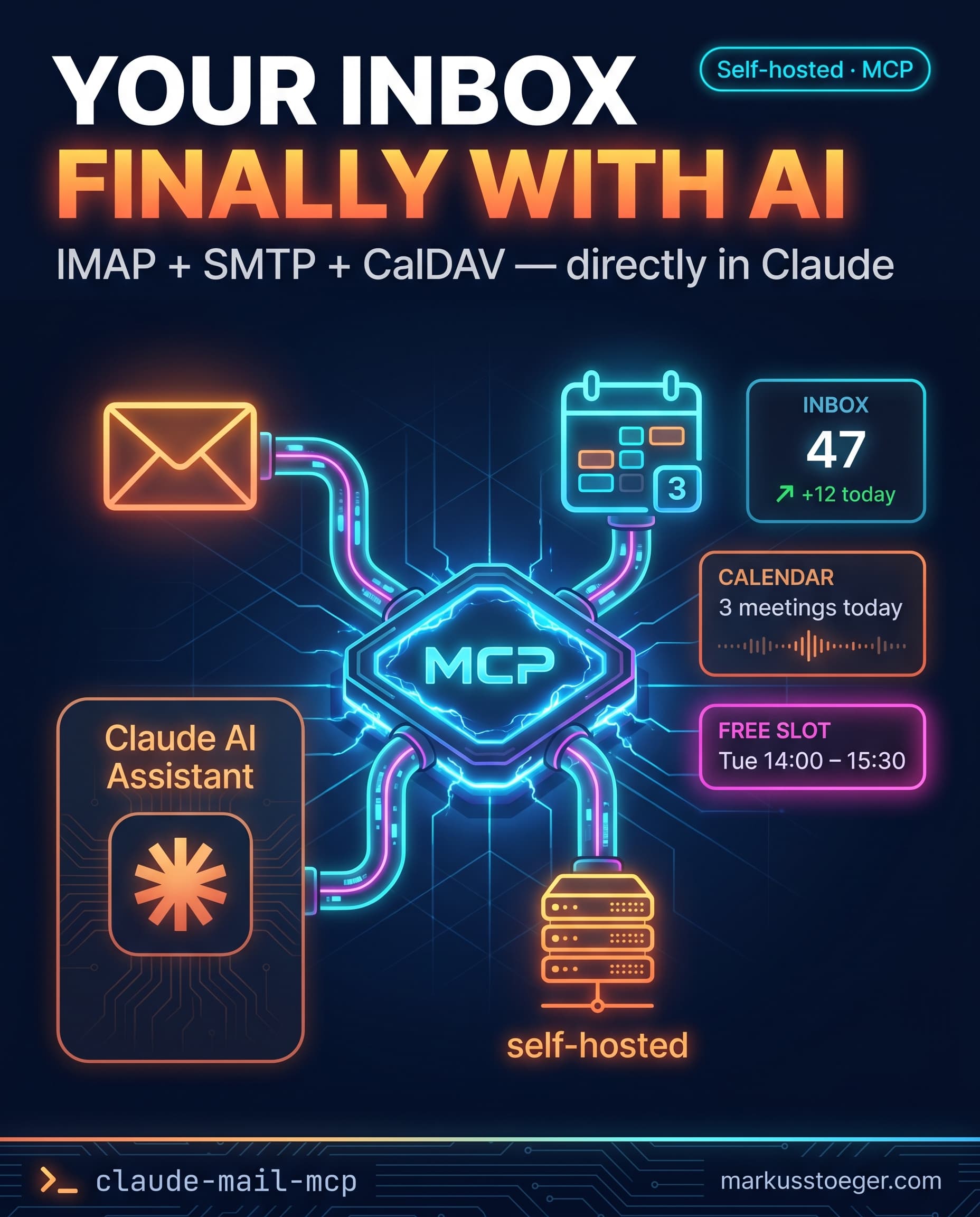
If you want to connect Claude to your mailbox, Anthropic's connector store offers exactly one option: Gmail. If your email lives on Mailbox.org, Fastmail, iCloud, Mailcow or your own Postfix box, you're out of luck. Which is absurd: IMAP/SMTP have been open standards since the 90s, and CalDAV has been the de-facto calendar standard outside of Google for over a decade.
So I built claude-mail-mcp, a self-hosted connector that bridges your AI assistant to your mailbox over the standard protocols. MIT-licensed, no SaaS middleman, no vendor lock-in.
And because it's a standard MCP server, it isn't Claude-only: any MCP-capable client works, ChatGPT (developer mode / custom connectors) just as well as Claude. The name stuck from where it started; the connector itself is client-agnostic.
What it is
A Streamable-HTTP MCP server that builds three bridges:
- IMAP for inbound mail (read, search, archive)
- SMTP for outbound mail (send, save to Drafts)
- CalDAV for your calendar (list events, create events, find free slots)
You install it on your own server, drop your mailbox credentials into a .env file, and Claude works directly against your real inbox, with no detour through a third-party API.
What's inside
13 tools in v0.1:
- Mail (9):
list_folders,list_messages,search_messages,get_message,send_message,create_draft,mark_read,move_message,delete_message - Calendar (4, optional):
list_calendars,list_events,create_event,find_free_slot
search_messages runs real server-side IMAP SEARCH, not "load everything and filter in memory"; on a 30k-message mailbox that's a meaningful difference. find_free_slot merges busy intervals across multiple calendars and returns immediately usable scheduling options (e.g. "next free hour between Monday and Friday, 9am–6pm").
Safe defaults
send_message sends immediately. If you want to review first, use create_draft and open the draft in your mail client. delete_message is documented as destructive so Claude.ai surfaces a confirmation step in the UI. For reversibility, move_message into a Trash folder is the right call.
How it works under the hood
- TypeScript, Node 20, Express 5
- imapflow for IMAP (one long-lived connection with per-mailbox locking), nodemailer for SMTP, tsdav + ical.js for CalDAV
- MCP SDK + Bearer auth, fronted by the same OAuth shim I use for claude-meta-mcp, so Claude.ai can add the connector through the normal "add custom connector" flow
- nginx as a reverse proxy, pm2 as the process manager
One Node process per mailbox, one .env with your credentials, one Bearer token at the MCP endpoint. No database, no state, nothing to maintain.
What you need
- A Linux VPS with Node 20
- An IMAP/SMTP mailbox (app-specific password if your provider enforces 2FA)
- Optionally a CalDAV URL for the calendar (otherwise the server starts mail-only)
- nginx + TLS certificate
The README lists exact hostnames and app-password links for the major providers (Mailbox.org, Fastmail, iCloud, Gmail, Nextcloud), ready to copy-paste.
Why open source
Self-hosted AI tools only work if people can actually run them. If you want to build a similar connector for CardDAV (contacts), JMAP or Matrix, the structure here is a clean template to fork: the IMAP client, the MCP tool registry and the OAuth shim are cleanly separated and MIT-licensed.
Roadmap
- v0.2: Multi-tenant with SQLite-backed token store, so one deployment can serve multiple users
- v0.3: Threading view (
list_threads), attachment download, iMIP invitations via SMTP - v0.4: CardDAV (contacts), JMAP support for Fastmail power users
The repo lives on GitHub. More on the idea and the full tool list on the repo page here.
From the author
These tutorials come out of the work itself, not out of research: I put AI to work in real companies and write down what holds up. If you want to know which of your processes are worth it, I offer AI consulting for small and mid-sized companies. If you already know what to build, I handle the AI integration into your systems.
Built with AI – the newsletter
Hands-on AI tutorials and the tools I actually use, straight to your inbox. Free, no hype.
Powered by Substack. Unsubscribe anytime.