Build your own ManyChat replacement: auto-DMs on comments with the Meta API
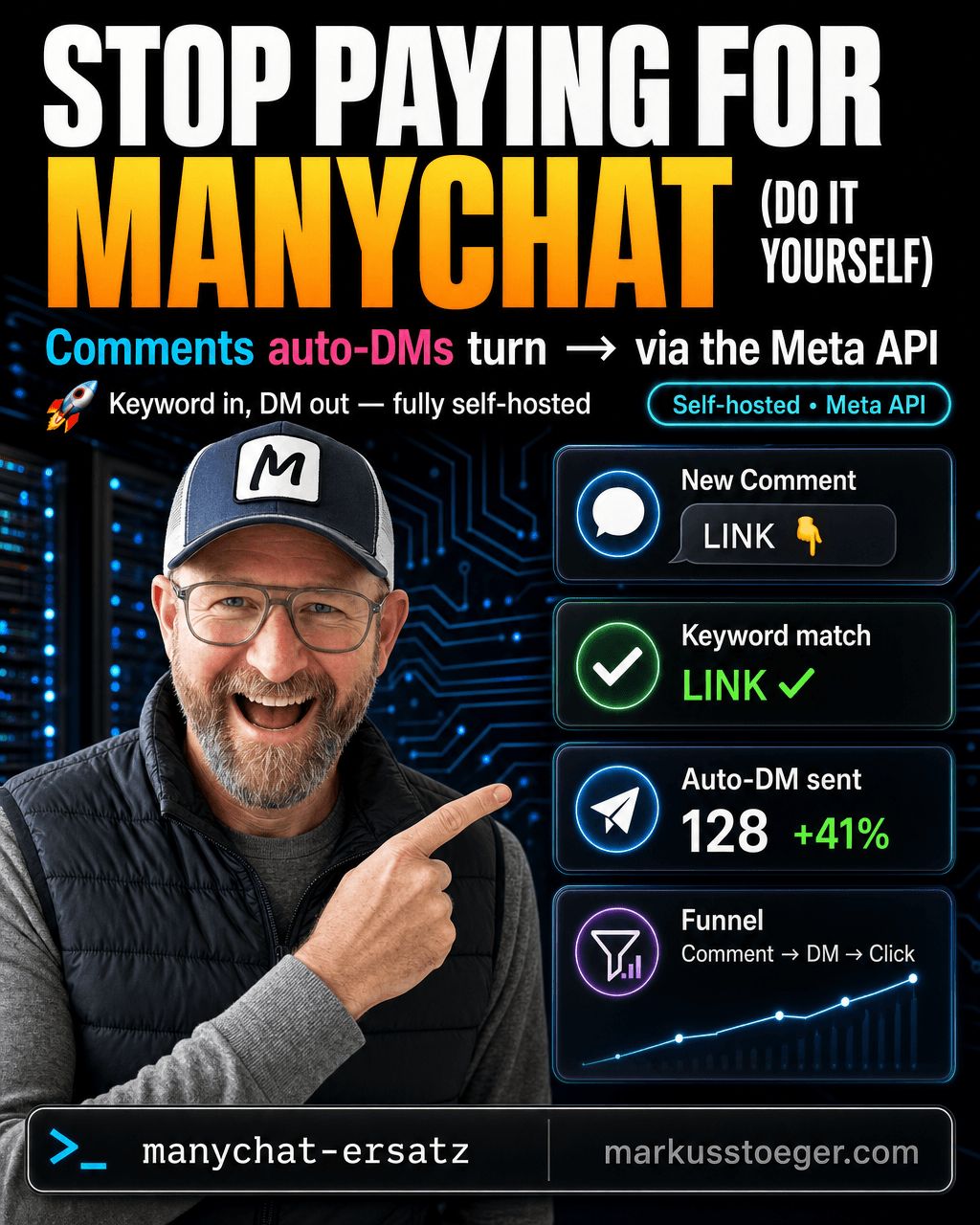
You know the pattern: "Comment LINK and I'll DM you the guide." Behind it is almost always ManyChat, the tool that listens for comments, matches a keyword, and automatically fires off a direct message. Handy, but: a monthly subscription, limits per contact, and your whole funnel (who commented, who got a reply, which links were clicked) runs on someone else's servers.
That mechanic isn't magic, it's a webhook plus one API call. So I built my own "ManyChat replacement", straight on the official Meta API, with no middleman.
What ManyChat actually does
Boiled down, it's three steps:
- Listen: someone comments on a post.
- Match: the comment contains a specific keyword (e.g. "LINK", "GUIDE", "START").
- Reply: a DM goes out automatically, usually with a link, a lead magnet, or the start of a chat funnel.
The Meta API covers exactly these three steps natively. You don't need ManyChat in between.
How it runs technically
My flow:
- Webhook. Meta sends an event to my server on every new comment (
field: comments). For that I subscribe the webhook fields for Instagram (and the Facebook page) inside my Meta app. - Keyword match. My backend checks the comment text against the stored rules (one rule = keyword + DM text + target link). No match, nothing happens.
- Public reply (Private Reply). The comment gets answered with a Private Reply. That's the trick that opens the DM channel on Instagram. Exactly one Private Reply per comment, and only within 7 days of the comment.
- DM out. The actual message with the link goes to the user through the messaging API.
- Tracking. Every link runs through its own redirect (
/go/<code>) that counts clicks, so I see the whole funnel: comment → DM → click.
No messy polling needed: Instagram comments arrive cleanly via webhook. On Facebook I add a light polling fallback, because not every comment event pushes reliably there.
What you need
- A small server with a publicly reachable HTTPS endpoint (for the webhook)
- An Instagram professional account (Business/Creator) linked to a Facebook page
- Your own Meta app in the developer portal, which is the important part
Important: you need a Meta app, and for real followers an app review
A dedicated Meta app in the Meta Developer Portal is mandatory: you create it, add the products (Instagram, Facebook Login, Webhooks, Messenger) and subscribe to the comment events. So far it's like the Postiz setup.
But watch out, this is the key difference from a pure scheduling tool: as long as your app is in development mode, sending DMs only works with your own test accounts (app roles: admin/tester). The moment you want to auto-DM real followers, you need Advanced Access for the messaging permissions (instagram_manage_messages, on Facebook pages_messaging), which means the app has to go through Meta's app review.
The review wants a screencast showing the full flow (comment → automatic DM), a privacy policy, and a clear use case. Budget a few days for it; Meta reviews manually. It's not a showstopper, but it's the step most people underestimate.
The gotchas
- The 7-day window. A DM in response to a comment only goes out via the Private Reply, only within 7 days, and exactly once per comment. After that the channel is closed. Ignore it and you get errors that look like "bad token" but actually mean "window closed."
- Subscribe permissions at account level. Activating the app products isn't enough. You have to set the webhook subscription explicitly per account/page (via
graph.instagram.comor the page endpoint), or no events ever arrive. - Exact redirect URI. During OAuth the
redirect_urimust match the one stored in the app character for character; one missing slash and the login breaks. - Rate limits & spam protection. Don't send everyone everything. Meta throttles aggressively, and automated DMs to people who didn't comment a keyword get flagged fast. The keyword condition is also your spam protection.
Why it's worth it
- Your funnel is yours. Who commented, who got a reply, which link was clicked how often: all in your own database, not in a subscription's dashboard.
- No price per contact. ManyChat and friends bill by contacts. For you it only costs the server.
- Extensible at will. Because it's your own logic, you can personalize the DM, plug in AI replies, run A/B tests, or write the lead straight into your CRM.
ManyChat is convenient to start with. But the mechanic behind it (webhook, keyword, private reply, DM) is small enough to grasp. Once you've built it yourself, you own your funnel: the data, the logic, and every future extension.
From the author
These tutorials come out of the work itself, not out of research: I put AI to work in real companies and write down what holds up. If you want to know which of your processes are worth it, I offer AI consulting for small and mid-sized companies. If you already know what to build, I handle the AI integration into your systems.
Built with AI – the newsletter
Hands-on AI tutorials and the tools I actually use, straight to your inbox. Free, no hype.
Powered by Substack. Unsubscribe anytime.