Build your own Buffer replacement: social scheduling with Postiz
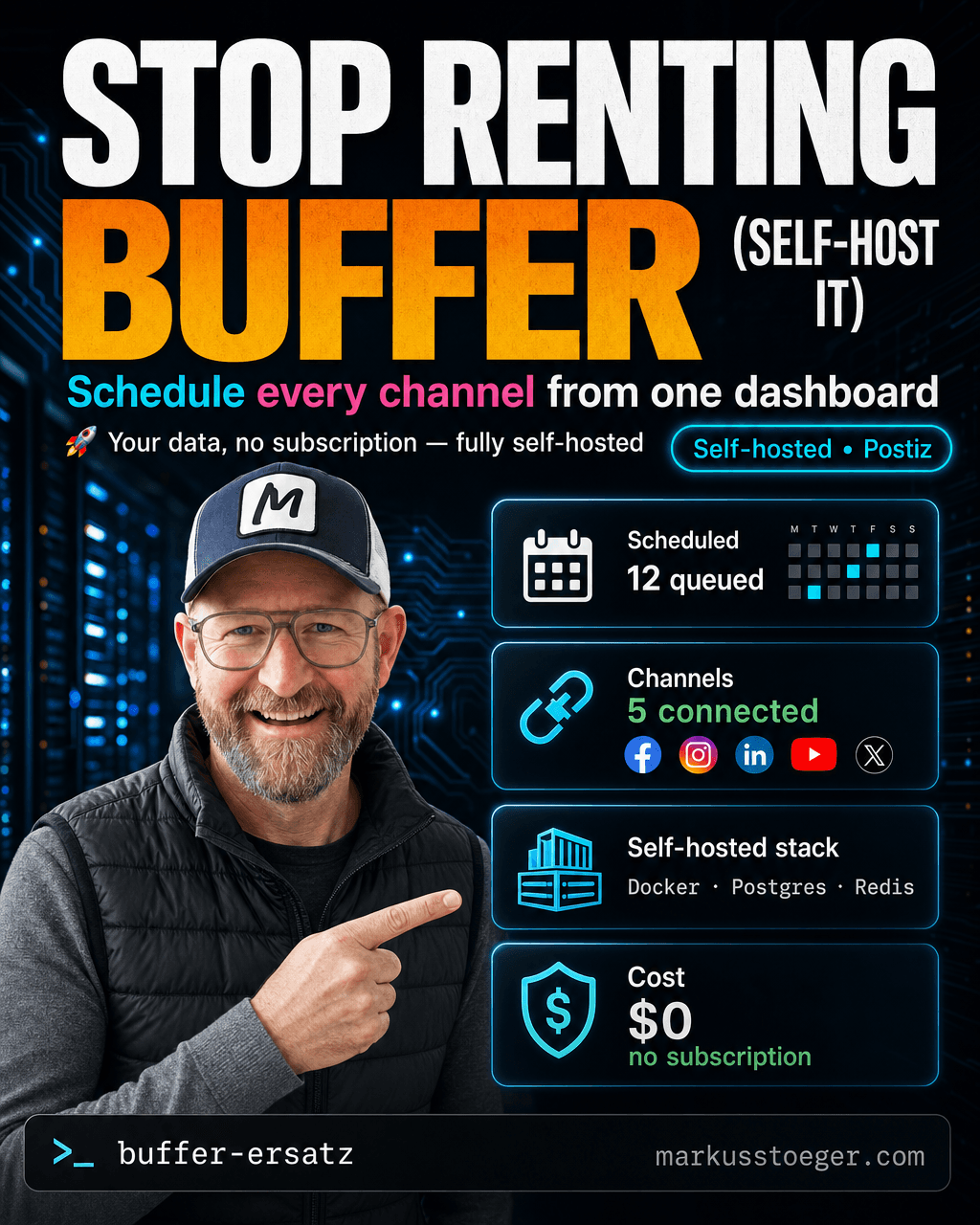
If you post regularly across several platforms, you quickly end up on Buffer, Hootsuite or Later. Handy, but: a monthly subscription, limits per channel, and your content plus your API tokens live on someone else's servers. The moment you want a bit more (your own automation, dropping AI-generated posts straight in), it gets expensive or simply isn't possible.
So I self-host my "Buffer replacement" with Postiz, an open-source scheduler (AGPL-3.0). It runs entirely on my own VPS, costs no subscription, and I can wire it into my own content pipeline.
What Postiz is
A self-hosted tool to schedule and publish social posts, the open-source answer to Buffer/Hootsuite. Calendar view, schedule posts ahead of time, a per-platform preview, drive multiple channels from one dashboard. Mine currently has Facebook, Instagram, LinkedIn, YouTube and X connected (TikTok is still waiting on approval).
The key part: it talks to the platforms' official APIs directly. No scrapers, no browser automation, no account risk.
How it runs technically
Postiz ships as a Docker setup. I run it with Docker Compose, four containers working together:
- Postiz itself (frontend + backend in one image)
- PostgreSQL for the data (scheduled posts, channels, tokens)
- Redis as the queue/cache
- Temporal to reliably execute the scheduled publishes
In front of it sits nginx as a reverse proxy with a TLS certificate, served on its own subdomain. Once it's set up it's "set and forget"; mine has run non-stop for weeks.
What you need
- A small Linux VPS with Docker + Docker Compose
- nginx + a TLS certificate (Let's Encrypt) and a subdomain
- A developer app per platform for OAuth (LinkedIn, Google/YouTube, X)
Important: Facebook + Instagram need a Meta app
This is where most people get stuck. You can't simply connect Facebook and Instagram with a login. You have to create your own Meta app in the Meta Developer Portal, add the right products/use cases (Facebook Login, Instagram) and permissions, and put the app credentials into Postiz. Only then can you link the two channels.
The good news: Facebook and Instagram run through the same Meta app, so you only need one, not two. And for personal use the development mode is enough: you do not have to push the app through Meta's app review as long as only your own accounts are connected.
The two gotchas
- OAuth scopes. If a channel won't connect, it's almost always a missing or stale scope. Tip: after changing scopes, restart the container fully, otherwise the process caches the old permissions.
- Backend startup. The backend needs Postgres, Redis and Temporal up before it boots. A healthcheck that probes both ports (frontend + backend) and gives the backend ~2 minutes to start catches silent crashes and restarts automatically.
Why it's worth it
- Your data + tokens stay with you. No third party sits between you and your accounts.
- No price per channel or per seat. You only pay for your VPS.
- Extensible. Because it's open source and uses official APIs, you can bolt it onto your own automation, e.g. drop AI-generated posts in as drafts and schedule them from the Postiz UI.
A rented scheduler is convenient. Your own one is yours, including the freedom to make it exactly what you need.
From the author
These tutorials come out of the work itself, not out of research: I put AI to work in real companies and write down what holds up. If you want to know which of your processes are worth it, I offer AI consulting for small and mid-sized companies. If you already know what to build, I handle the AI integration into your systems.
Built with AI – the newsletter
Hands-on AI tutorials and the tools I actually use, straight to your inbox. Free, no hype.
Powered by Substack. Unsubscribe anytime.