Backup ≠ safety: why your WooCommerce backup fails when it matters
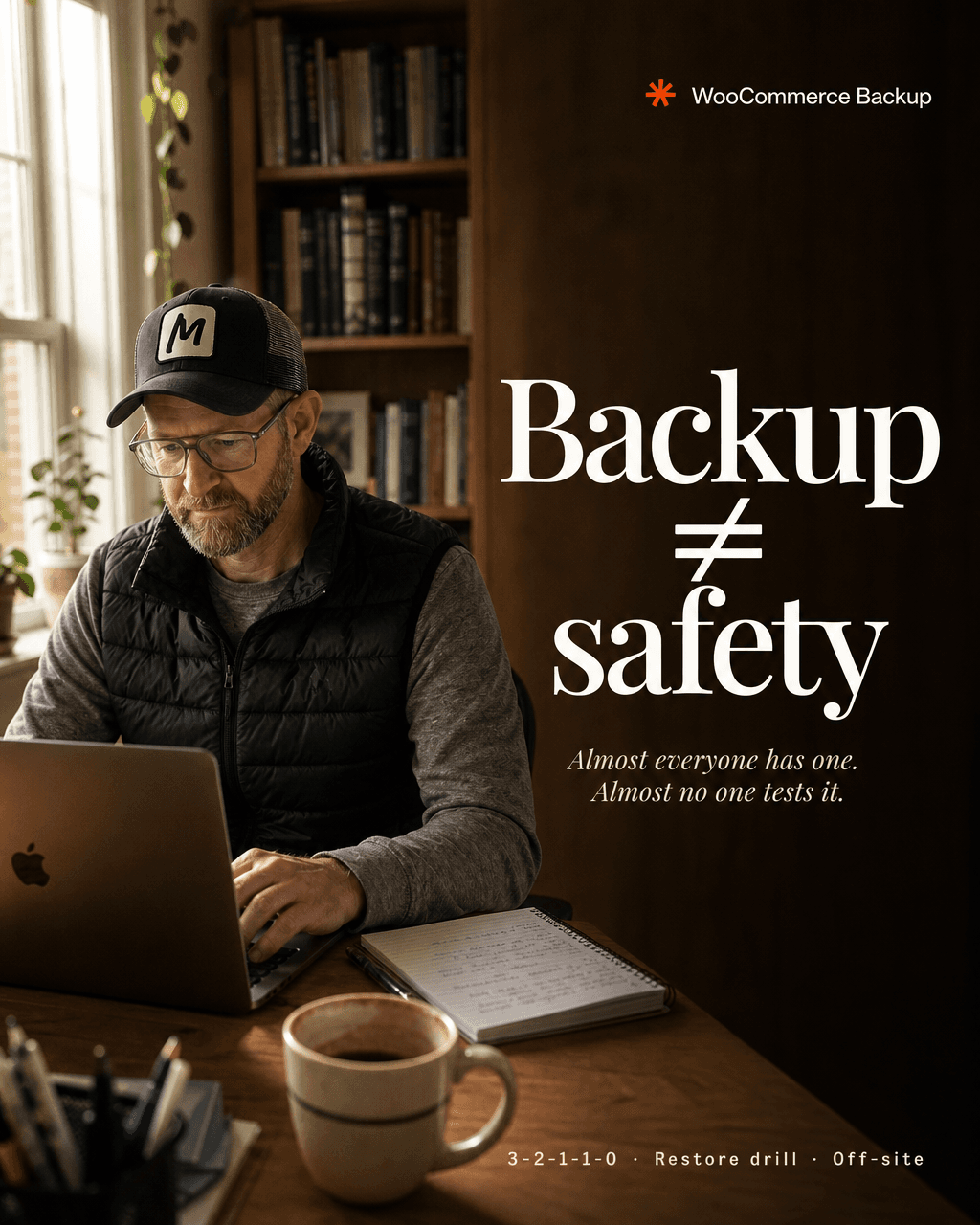
"We have a backup." I hear that in almost every audit, and in almost every real incident it turns out the backup was a hope, not a backup. A store then doesn't lose a few hours; it loses years of orders, customers and revenue.
The problem is never "no backup." It's these five reasons the existing backup doesn't hold at the moment of truth.
1. Never tested
A backup you've never restored is a hope. Corrupt archives, missing tables, incomplete dumps: you only find out during the restore. And by then it's too late.
Fix: Schedule a regular restore drill (monthly/quarterly) to a staging environment. Only a backup that restores with zero errors is a backup.
2. On the same server
If the backup sits on the same server as the store, it dies with it: on hardware failure, a provider outage, or a compromised server.
Fix: At least one copy off-site (different provider, different region).
3. Ransomware ate it first
Modern ransomware deletes your backups before it encrypts production, so you can't simply roll back. A backup behind the same credentials as the site is exposed with it.
Fix: One immutable copy that can't be deleted even with stolen credentials, e.g. S3 Object Lock (set up in minutes).
4. You restore the hack
If the store was compromised, the malware often sits inside the backup itself. You roll back and bring the attacker right back in with you.
Fix: Keep multiple, including older restore points, and scan the restored system before it goes live.
5. Database and files drift apart
If the DB is captured at a different moment than the files, nothing lines up on restore: missing images, orders without products, a broken checkout.
Fix: Atomic full snapshots (DB + files at the same instant). On WooCommerce: back up hourly, because every lost hour is lost orders.
The rule that survives all five: 3-2-1-1-0
The 2026 standard:
- 3 copies of your data
- 2 different storage media
- 1 copy off-site
- 1 copy immutable
- 0 errors on a verified restore test
This isn't enterprise luxury. It decides between "briefly annoying" and "business gone."
Want the next build & audit guides, with every gotcha? Subscribe to the "Built with AI" newsletter and don't miss one.
Prefer done-for-you? If you'd rather I make your backup & recovery setup bulletproof (off-site, immutable, tested restore drill, migration to your own server): drop me a line. It's what I do day to day.
From the author
These tutorials come out of the work itself, not out of research: I put AI to work in real companies and write down what holds up. If you want to know which of your processes are worth it, I offer AI consulting for small and mid-sized companies. If you already know what to build, I handle the AI integration into your systems.
Built with AI – the newsletter
Hands-on AI tutorials and the tools I actually use, straight to your inbox. Free, no hype.
Powered by Substack. Unsubscribe anytime.