How to build an Obsidian vault that fills itself with AI
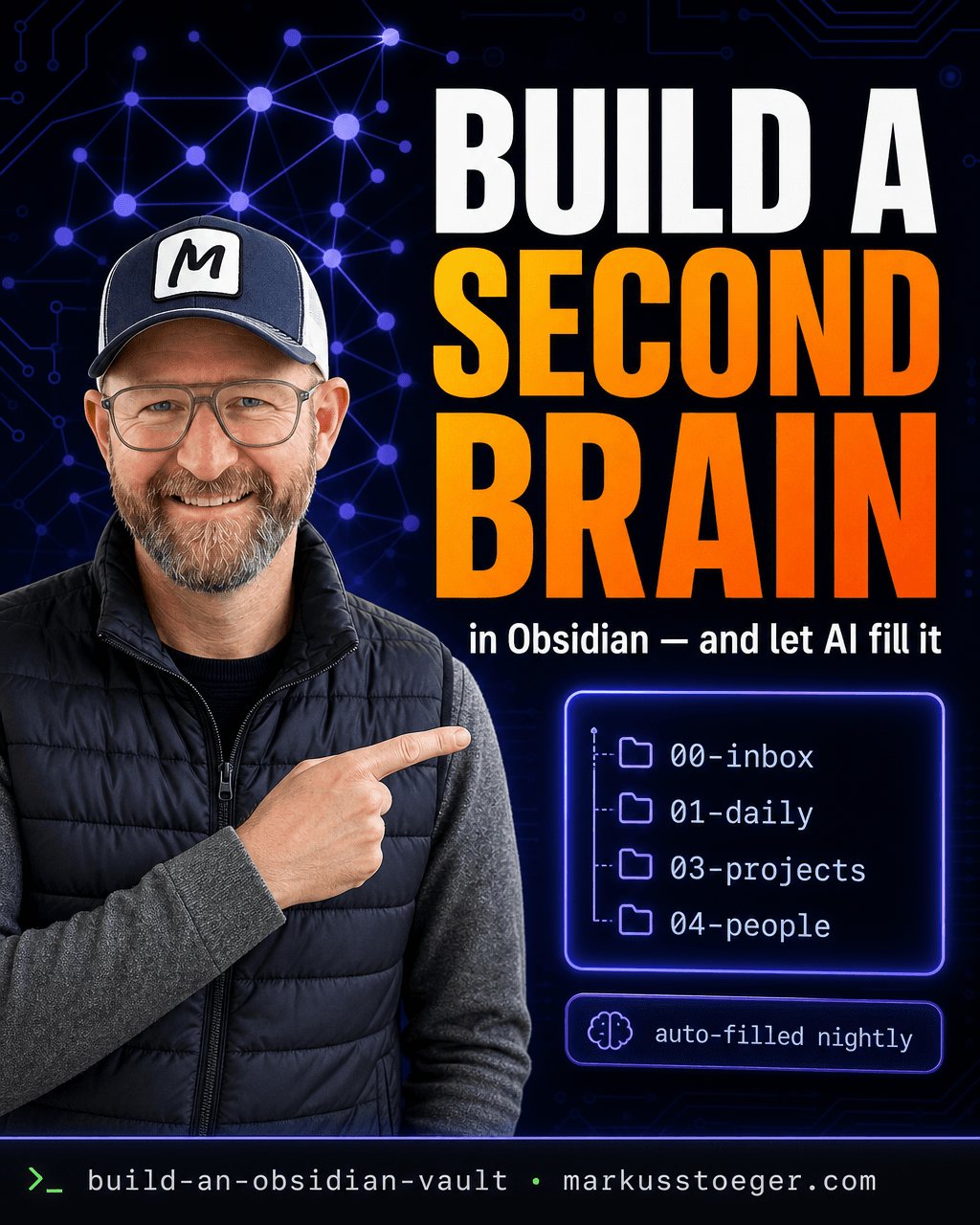
Everyone wants a "second brain." Almost nobody has one, for the same reason: a knowledge base only works if you feed it every day, and you won't. The notes pile up, the structure rots, and six months later you're searching your memory instead of your vault.
I fixed that by making the vault feed itself. It's built in Obsidian (plain markdown files I own) and every AI conversation I have gets distilled into it automatically, overnight. Below is the exact setup.
Why Obsidian
- Plain markdown, on your disk. No SaaS owns your notes; open them in any editor in ten years.
- Links, not folders, are the point.
[[Project X]]and[[a person]]connect everywhere, so your knowledge becomes a graph, not a filing cabinet. - Local and free. No subscription, no lock-in, full-text search over everything in milliseconds.
The structure
Numbered top-level folders so the important stuff sorts itself:
00-inbox/: raw capture, unsorted. Everything lands here first.01-daily/: one note per day (2026-06-13.md) with what happened, decisions, open loops.03-projects/: one note per project (built-with-ai.md) with status, next steps, links.04-people/: one note per person, with context and last touchpoint.06-calls/: transcripts + action items from calls.
Five folders. That's it. Resist the urge to build a taxonomy: links do the organizing, the folders just hold the files.
The magic: let AI write into it
This is the part that makes it work. Every night a small job reads my AI sessions, distills each one (decisions, action items, people and projects mentioned) and writes it into the vault: a line in today's daily note, an update on the project page, a wikilink to the people involved.
I never "maintain" the vault. I just work, and the brain grows on its own. When I ask "where were we on Project X?", the answer is already written.
How to set it up
- Install Obsidian, create a vault, make the five folders above.
- Add three plugins: Daily Notes (auto-create today's note), Templater (consistent note skeletons), and Dataview (query your notes like a database, e.g. "all open action items").
- Pick a capture rule: anything new →
00-inbox/, sort weekly. - Wire the auto-fill. A nightly cron runs a script that feeds each AI session transcript to a model with one instruction ("distill this into vault notes: a daily-note line, project updates,
[[wikilinks]]for people/projects") and appends the markdown to the right files:
# crontab: every night at 03:17
17 3 * * *  /usr/bin/node /opt/vault-sync/distill.js
The script is small: read transcripts → ask the model to summarize into markdown → write to 01-daily/, 03-projects/, 04-people/. Plain files in, plain files out.
Why it matters
A second brain you have to maintain is just another chore you'll abandon. A second brain that maintains itself is the one that's still there in a year: full, linked, searchable, and entirely yours. You stop trying to remember what you did, and start asking your vault. That's what turns notes into a brain.
From the author
These tutorials come out of the work itself, not out of research: I put AI to work in real companies and write down what holds up. If you want to know which of your processes are worth it, I offer AI consulting for small and mid-sized companies. If you already know what to build, I handle the AI integration into your systems.
Built with AI – the newsletter
Hands-on AI tutorials and the tools I actually use, straight to your inbox. Free, no hype.
Powered by Substack. Unsubscribe anytime.